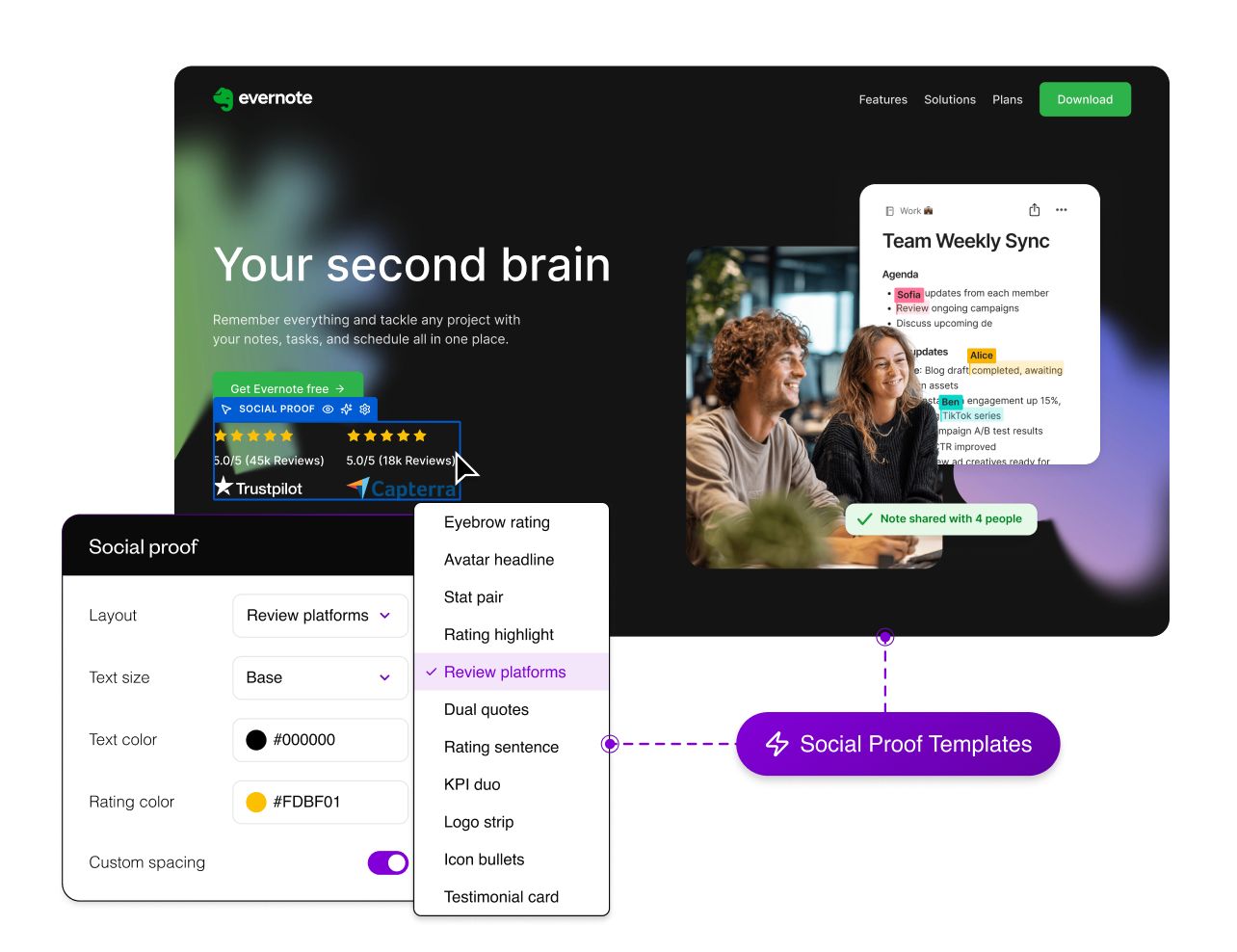
Build with 10+ social proof templates
Choose from 11 social proof layouts and adapt them quickly for reviews, testimonials, ratings, logos, or trust-led page sections.
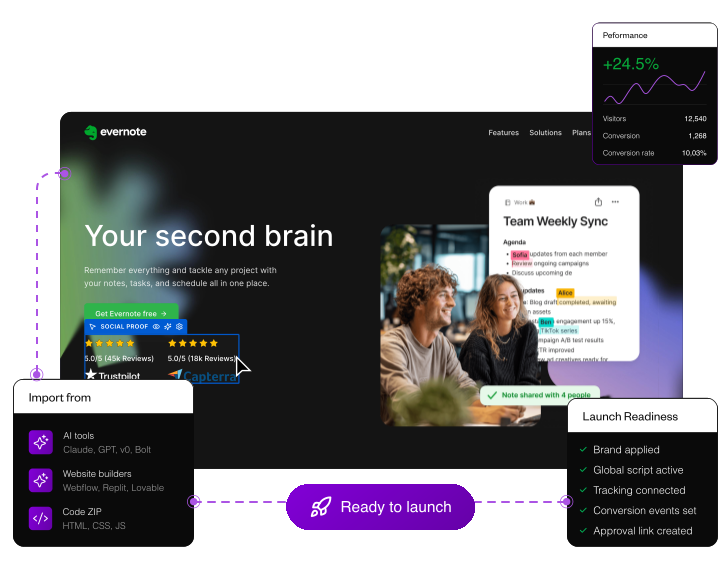
Create or import landing pages, then streamline fast launch and testing for profitable CRO delivery.
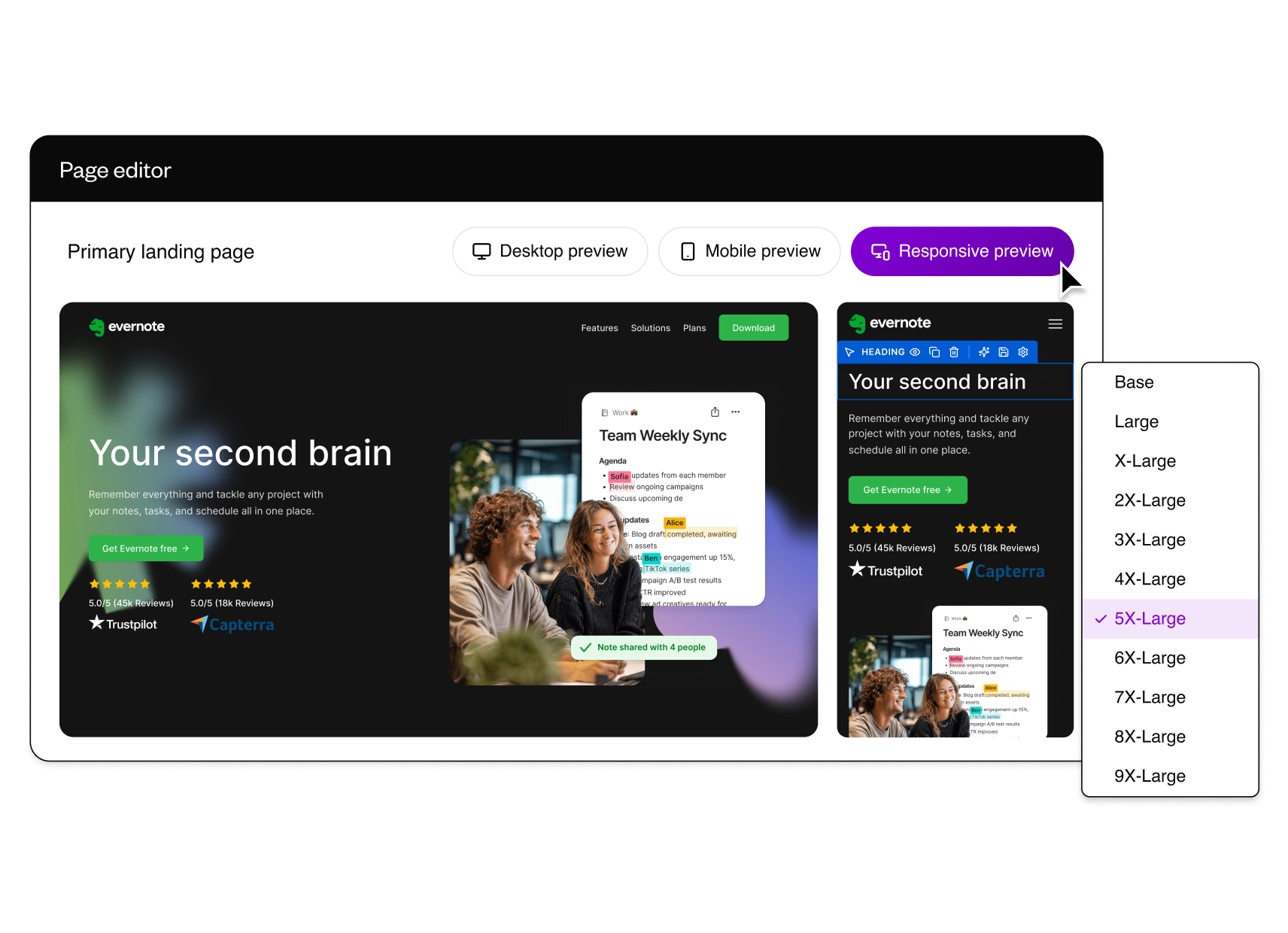
Build pages from reusable conversion sections instead of rebuilding every block. Structured design tokens give marketers control over spacing, layout, colours, and typography, without design drift.
Choose from 11 social proof layouts and adapt them quickly for reviews, testimonials, ratings, logos, or trust-led page sections.
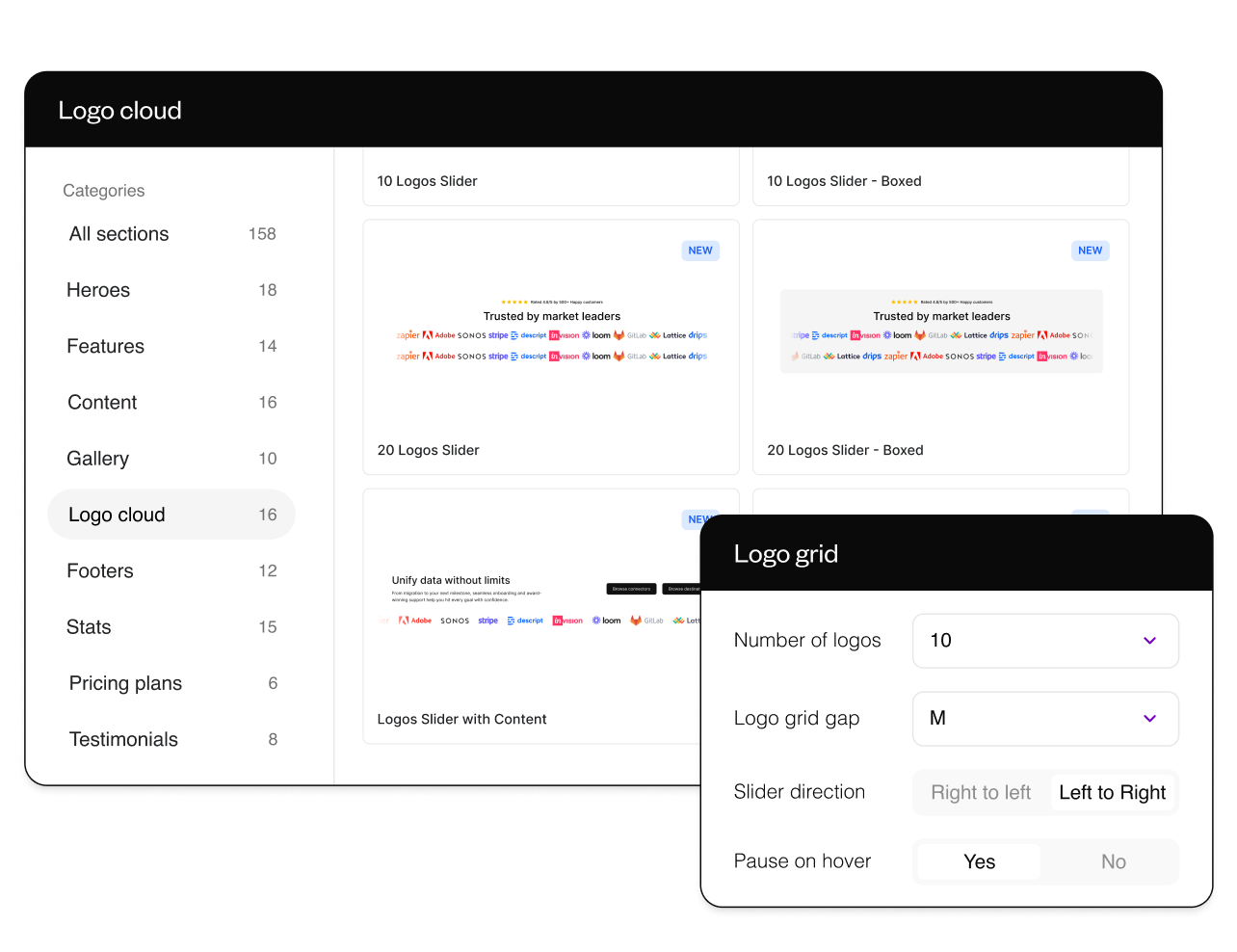
Set logo count, spacing, and direction so PR, customer, or integration logos fit the assets you already have.
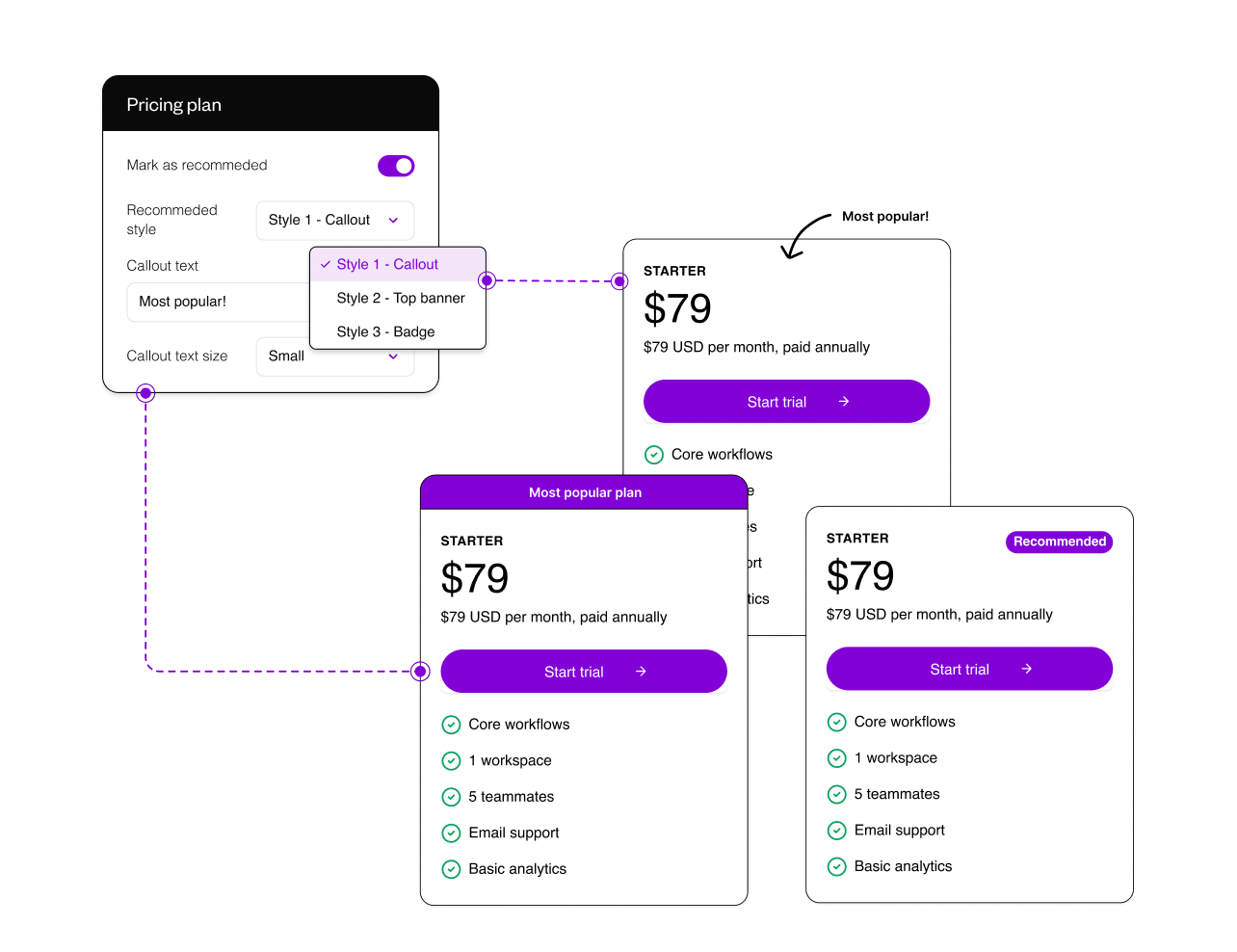
Change pricing card layouts and styles in a few clicks without rebuilding a complex pricing section from scratch.
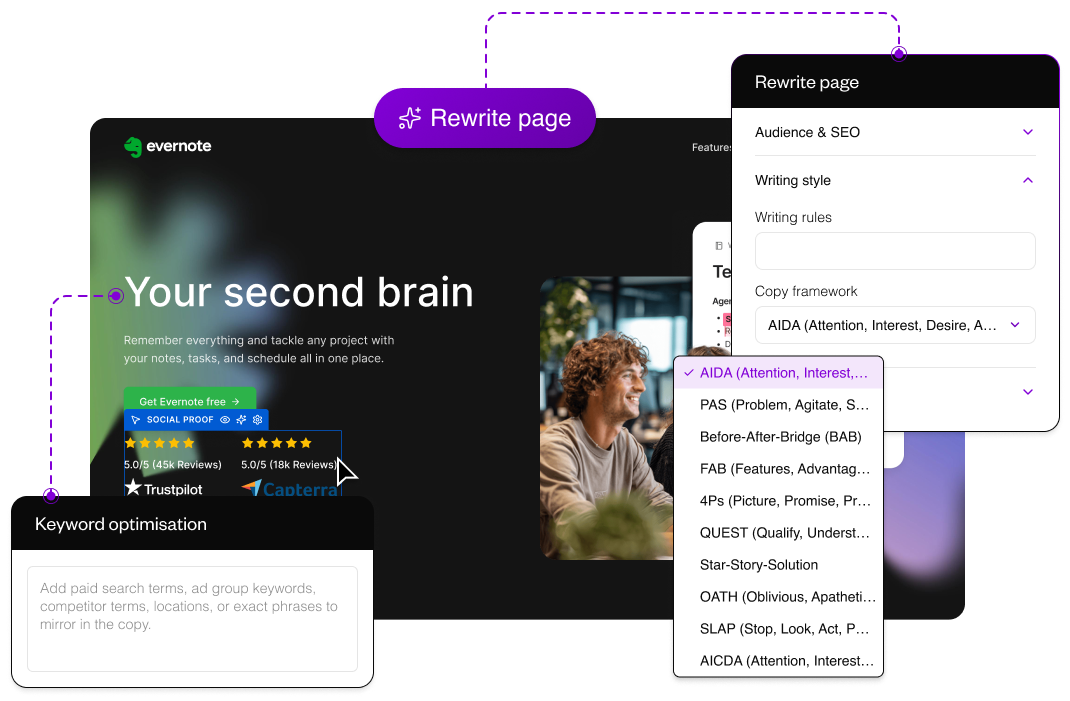
Optimise every section for a target audience or Google Ads keyword in minutes, so campaign copy matches search intent without rebuilding the page.
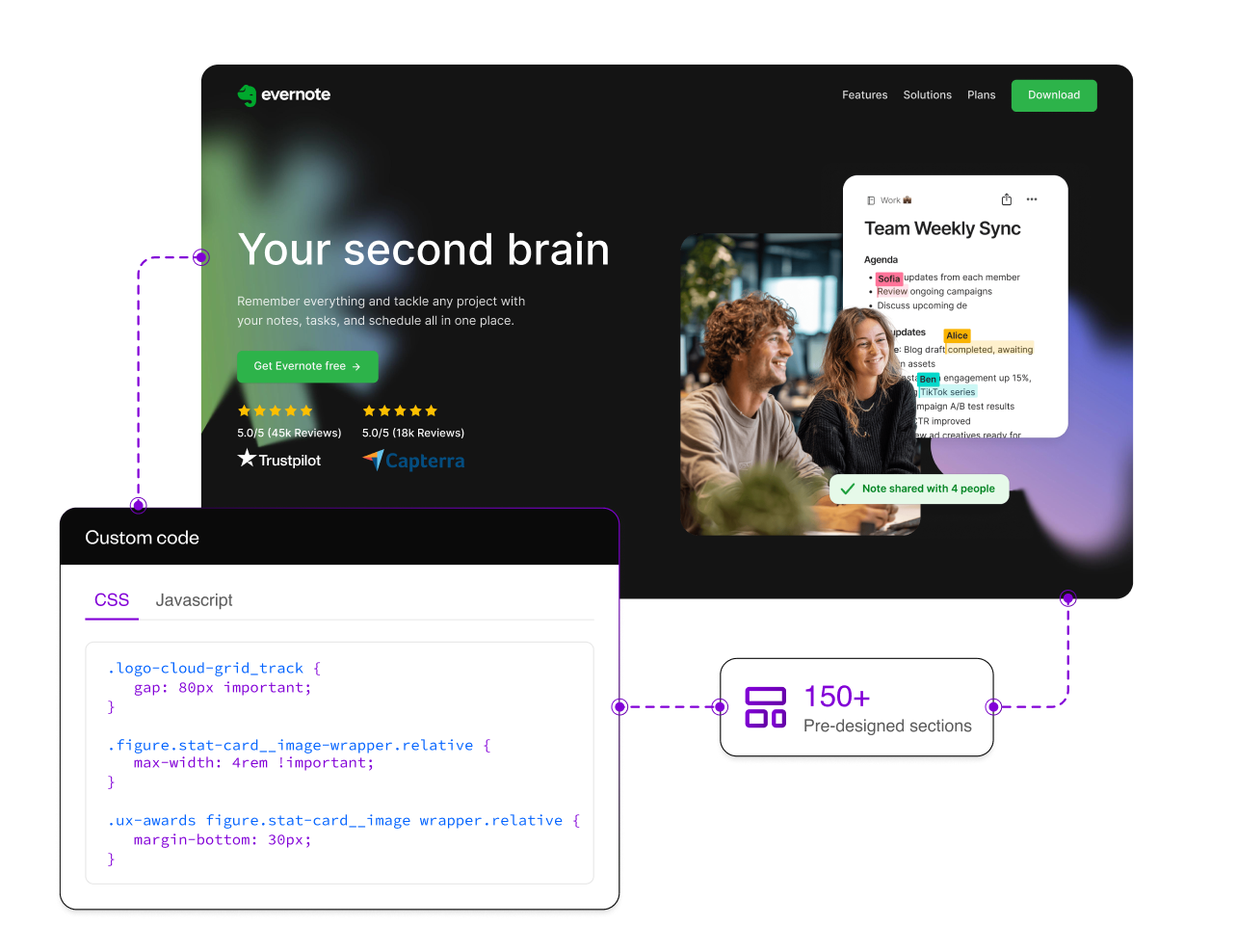
Add custom CSS, JavaScript, embeds, or full custom sections when a campaign needs functionality outside the standard library.
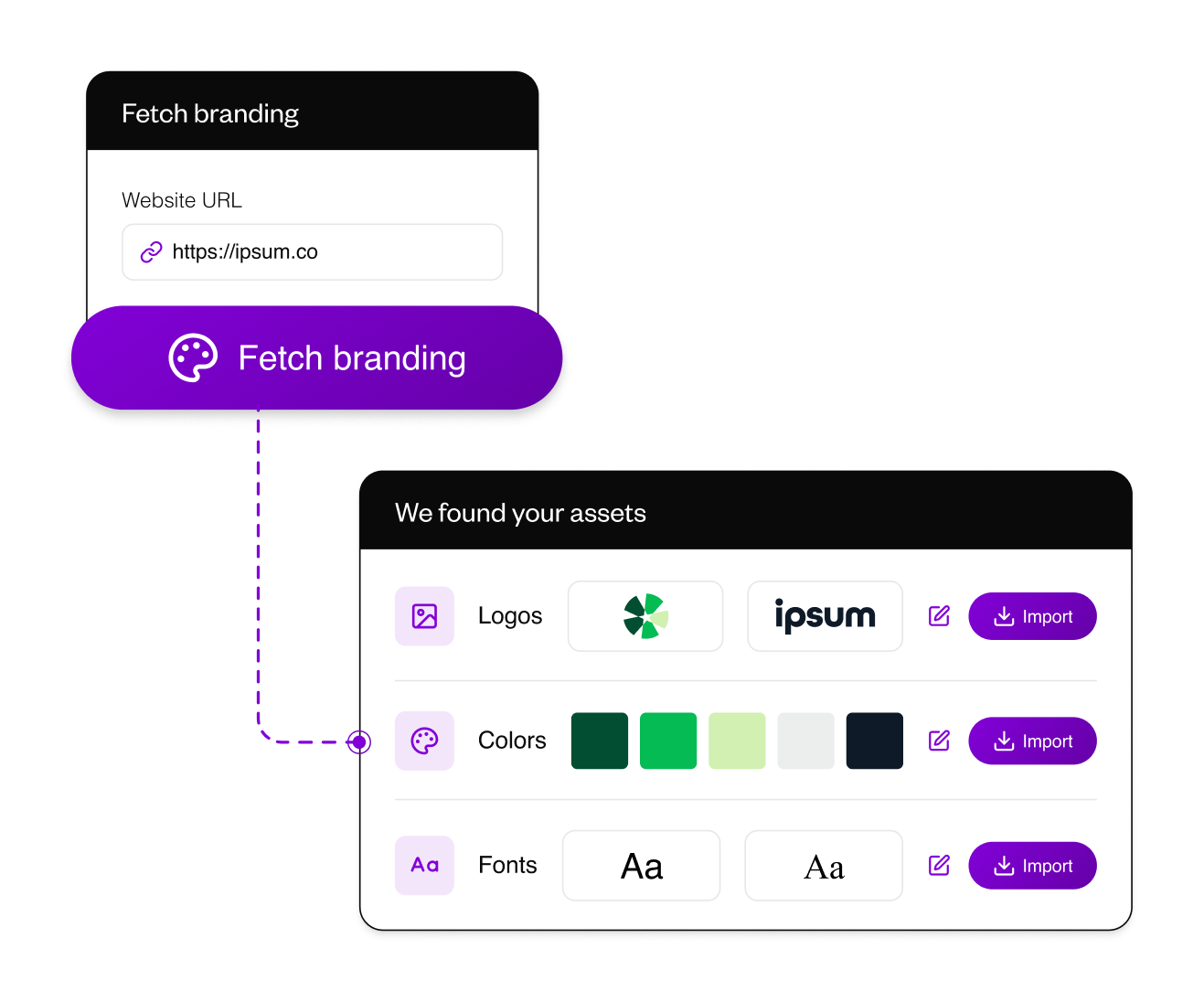
Set up the brand once, then let every new page inherit it. Pull logos, colours, and fonts from a client site, define voice rules, and deploy scripts at domain level so each page starts closer to launch.
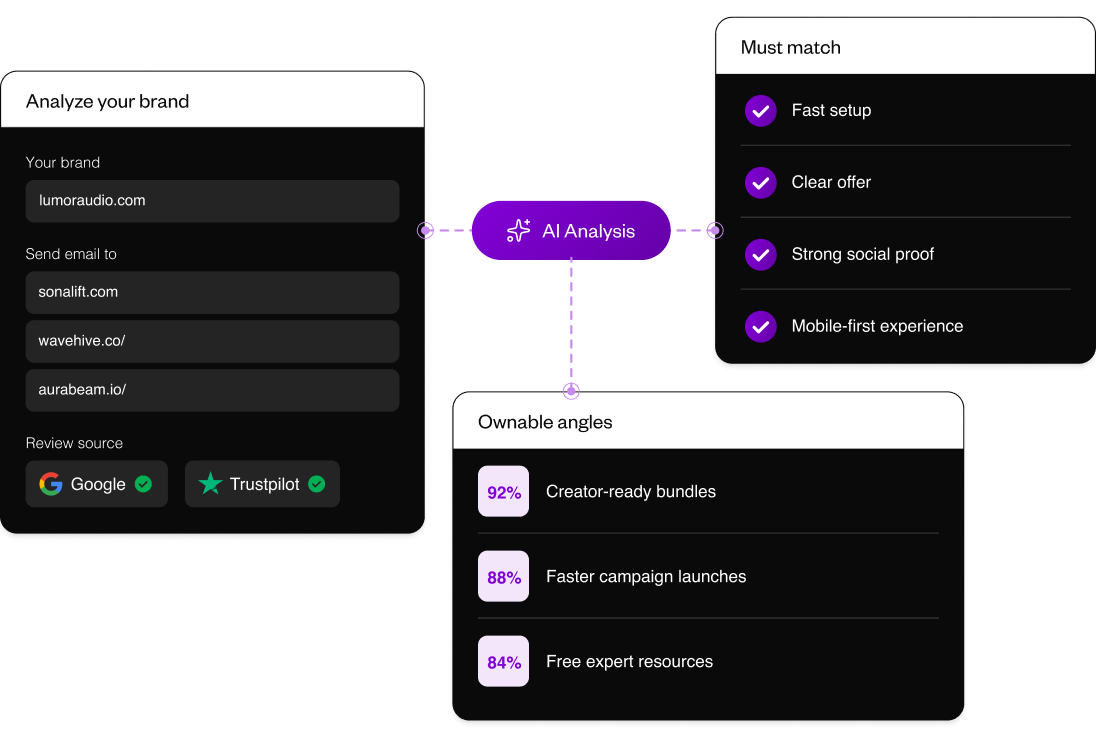
Analyse your brand and competitors to find claims, positioning gaps, and landing page angles competitors are not using.
Analyse your brand and competitors to find claims, positioning gaps, and landing page angles competitors are not using.
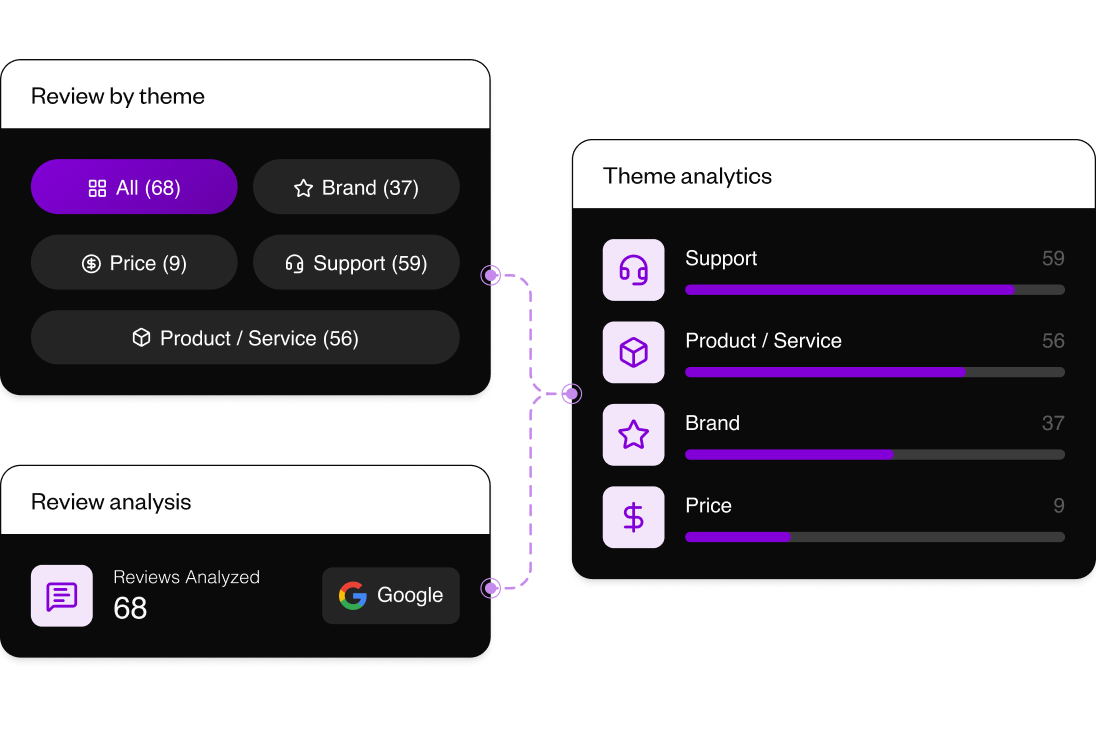
Turn real customer sentiment into claims, proof, objections, and themes your team can use to increase conversion intent.
Turn real customer sentiment into claims, proof, objections, and themes your team can use to increase conversion intent.
.png)
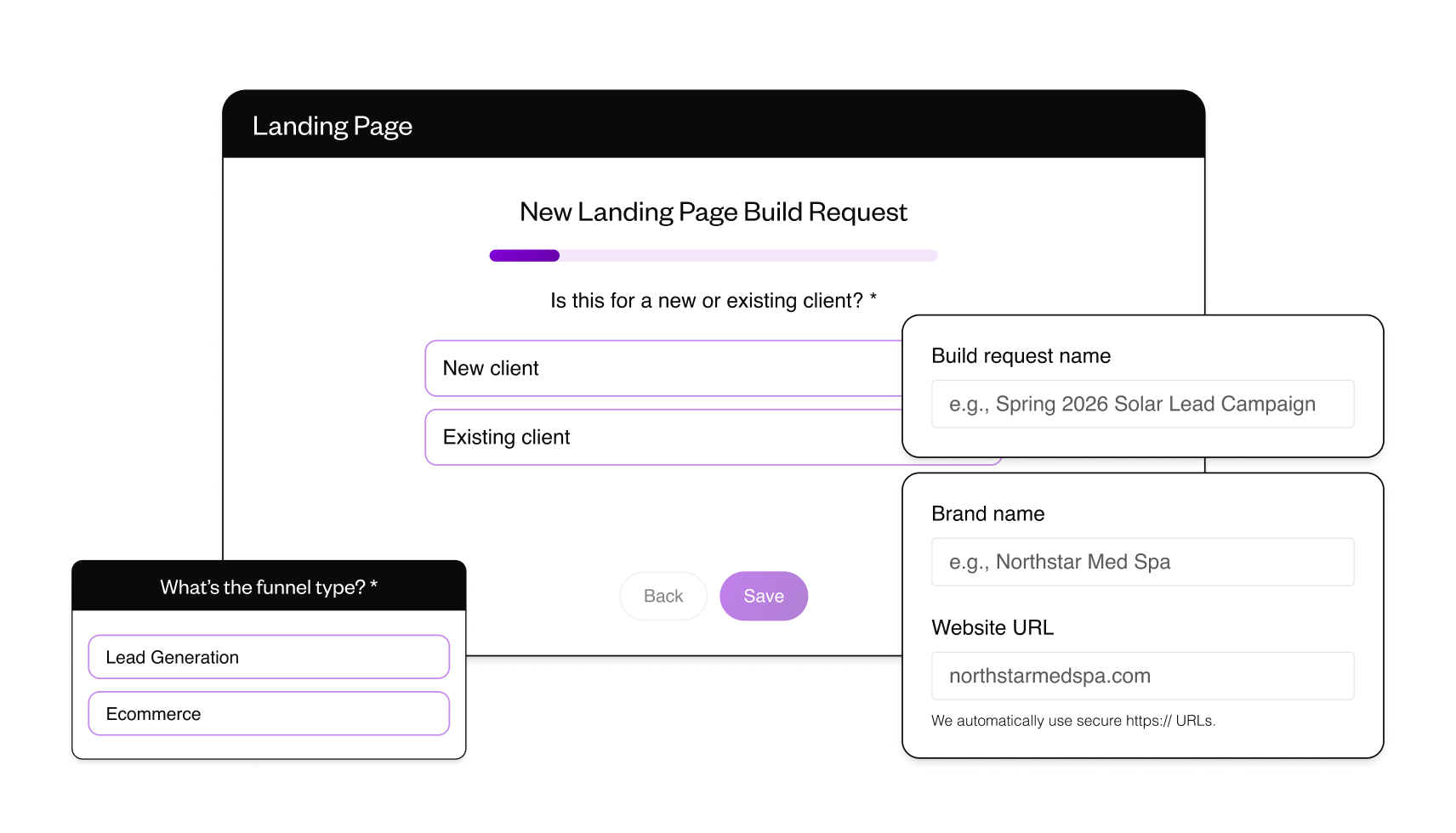
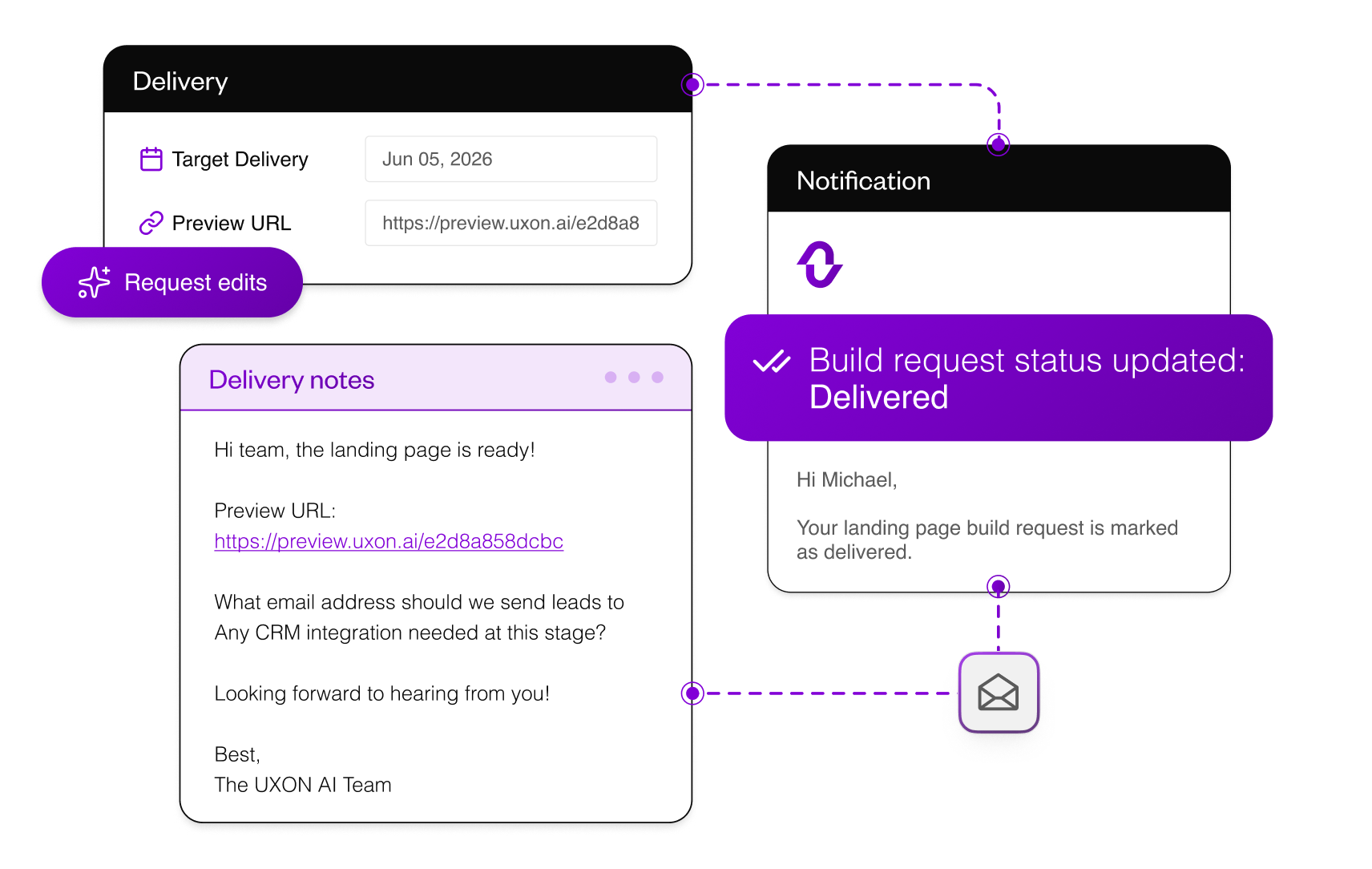
Send overflow page builds through a structured request flow that captures the destination, funnel type, offer, audience, and launch notes upfront. We turn the brief into a ready-to-review landing page, so your team can keep campaigns moving without adding production load.
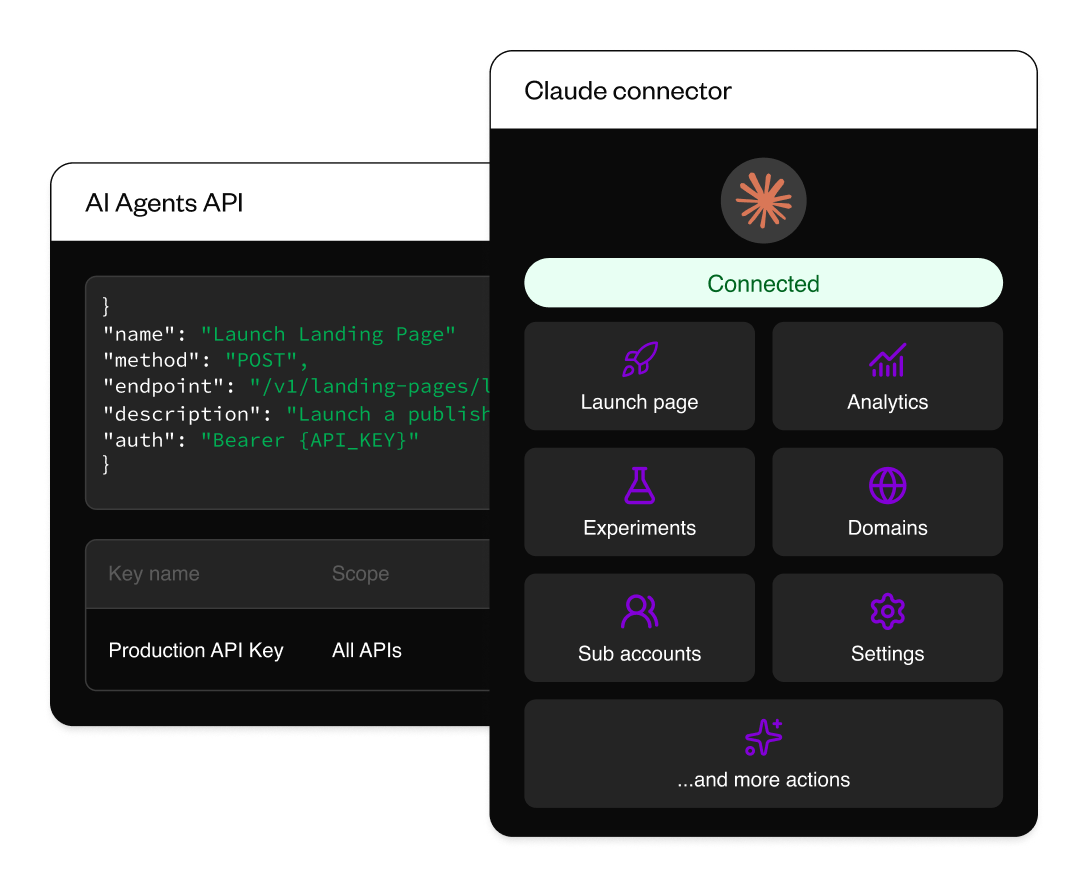
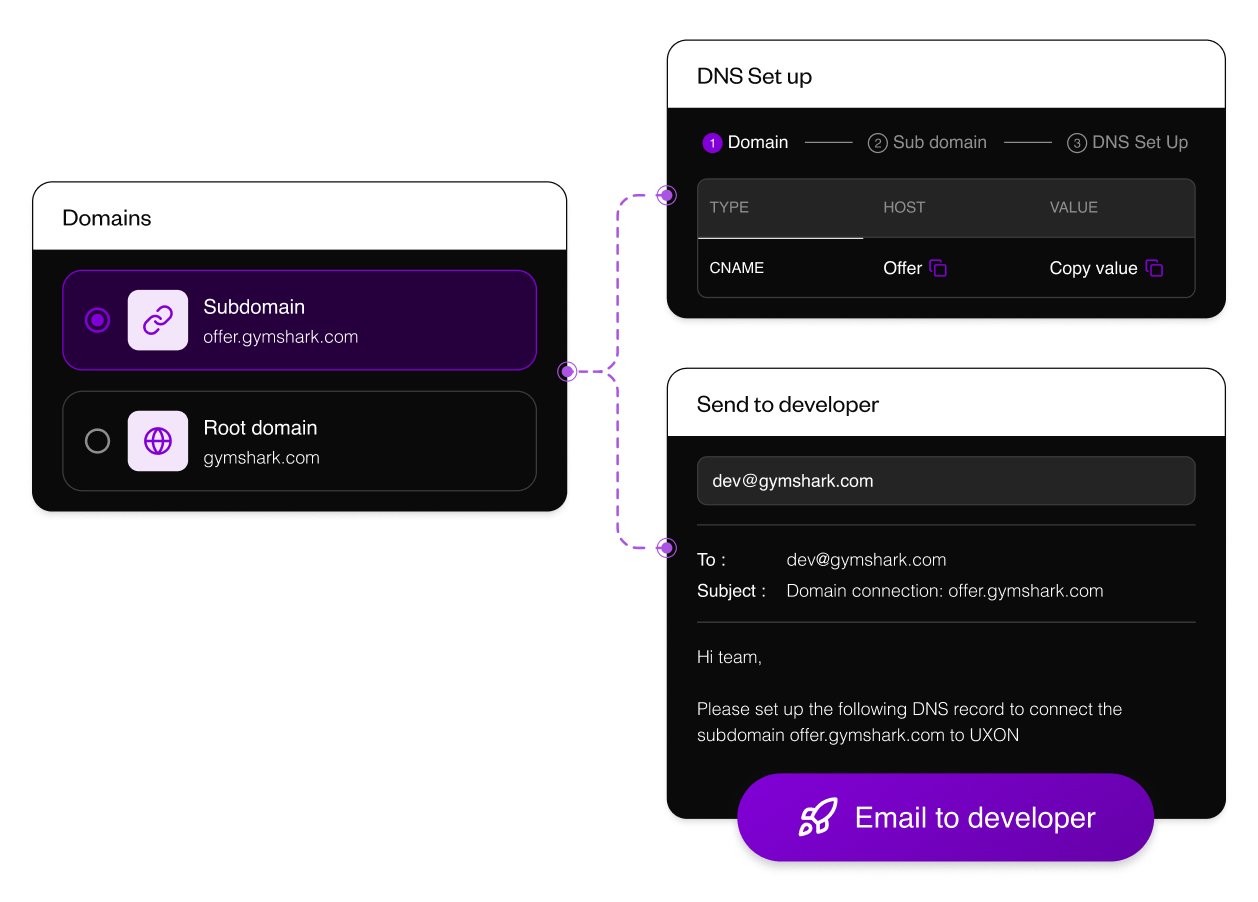
Use agents to create pages, import code, connect domains, set up experiments, check analytics, and create accounts without doing every step manually.
Use agents to create pages, import code, connect domains, set up experiments, check analytics, and create accounts without doing every step manually.
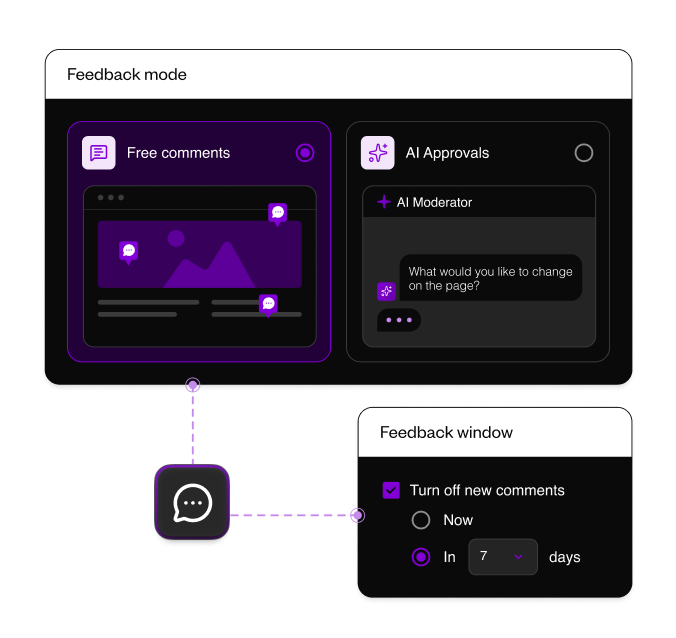
Give stakeholders a clear deadline to review the landing page, so feedback does not sit across Slack, email, or screenshots for days.
Give stakeholders a clear deadline to review the landing page, so feedback does not sit across Slack, email, or screenshots for days.
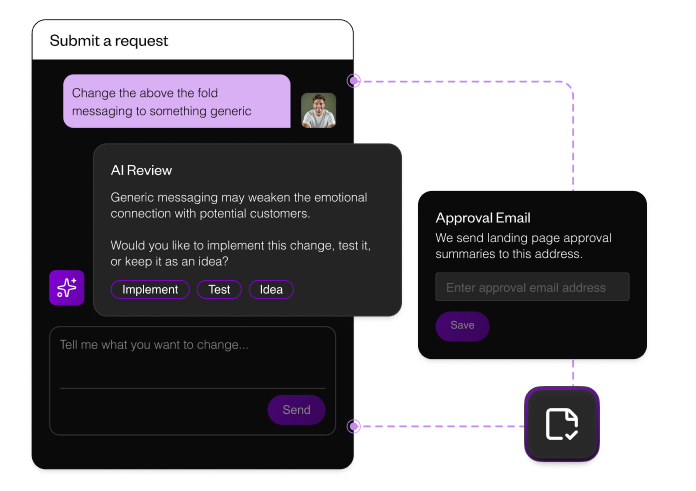
Let AI moderate client comments through a CRO lens, push back on risky requests, and turn vague feedback into clearer approved changes.
Let AI moderate client comments through a CRO lens, push back on risky requests, and turn vague feedback into clearer approved changes.
.png)
Turn on event auto-capture for Shopify, Typeform, Calendly, HubSpot, Marketo, Klaviyo, and phone clicks before sending traffic live.
.png)
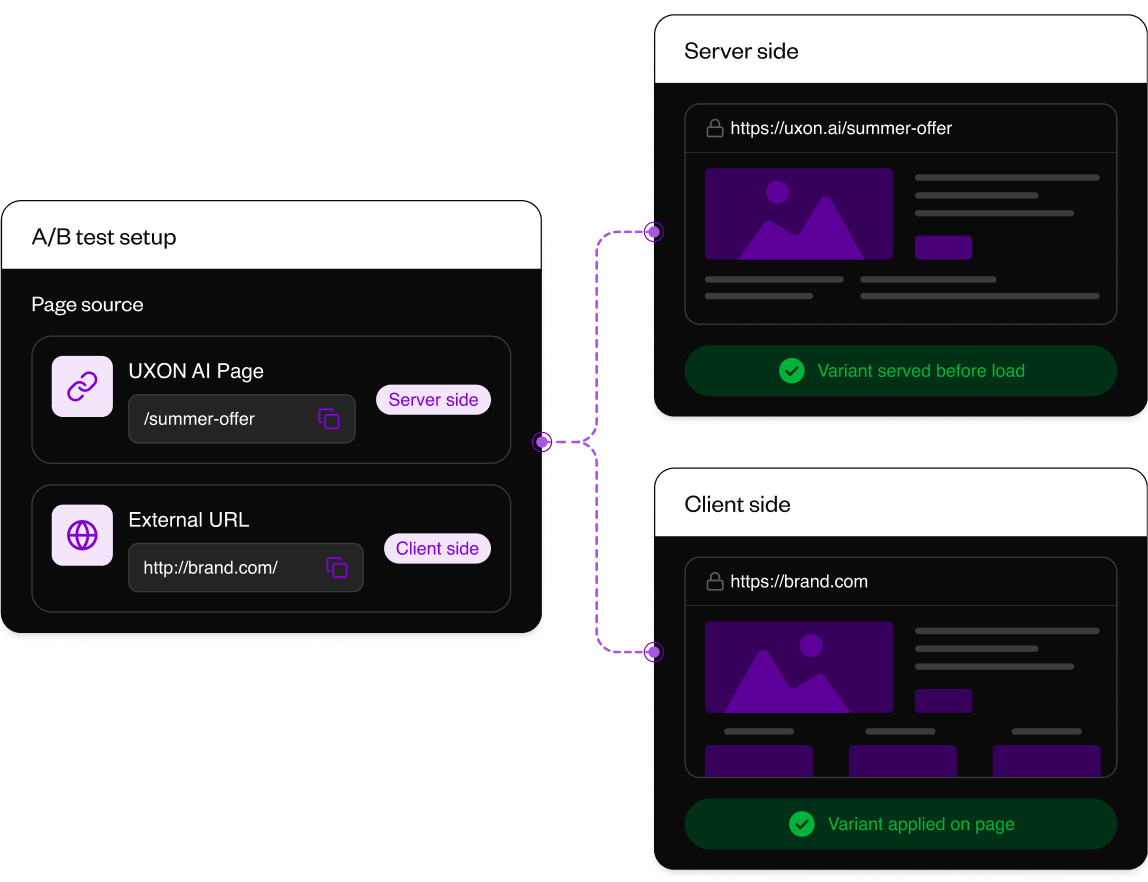
Route traffic to the right page variants, set the default version, and keep returning visitors on the same experience for cleaner test data.
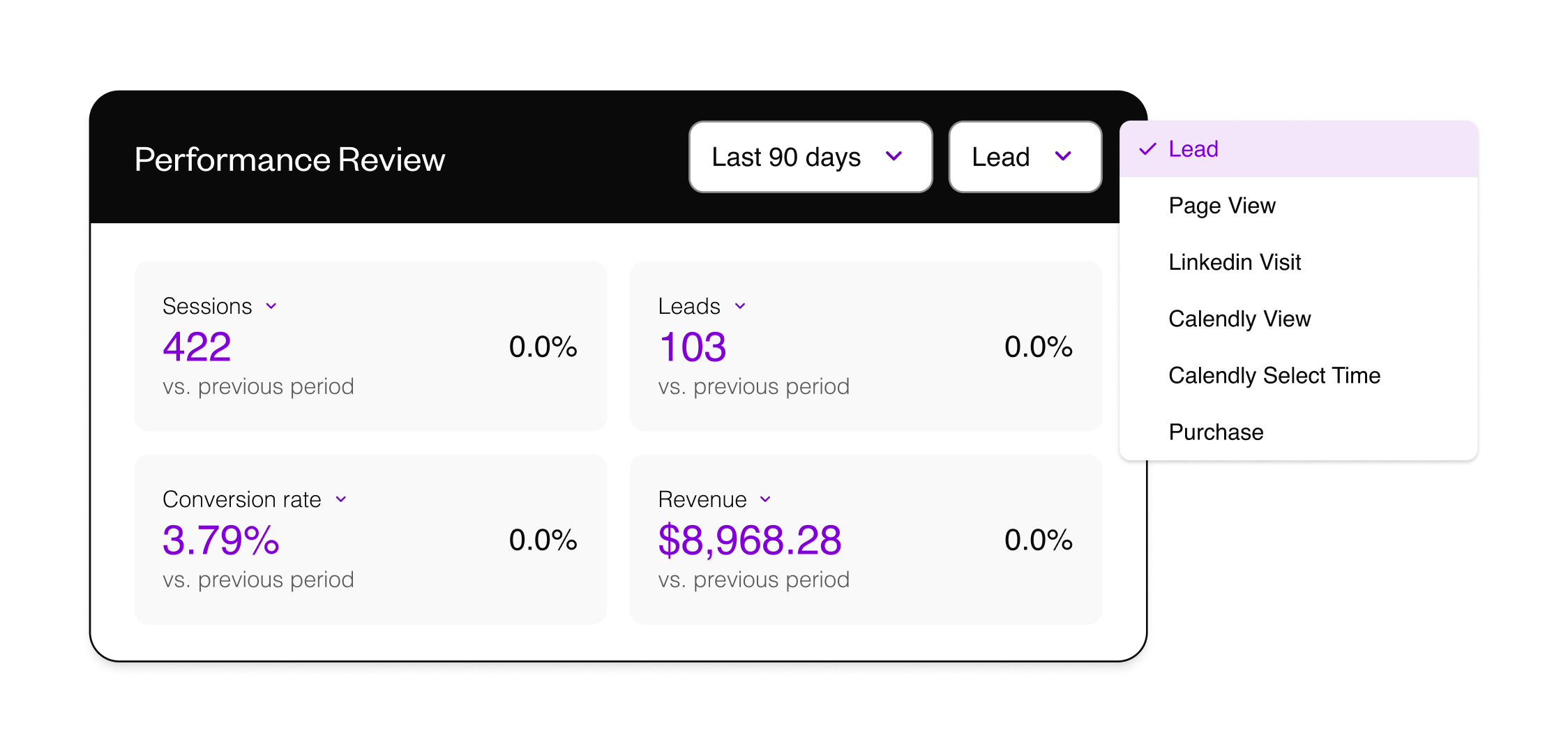
Review page results by conversion event, channel, variant, trend, and revenue without stitching reports from separate tools. Find which traffic, page version, and experiment result deserves the next decision.
.png)
.png)