Give agents the skills to operate
Point agents to the live SKILLS page and issue scoped API keys so they know the approved commands, account boundaries, and confirmation points before touching client work.

Point agents to the live SKILLS page and issue scoped API keys so they know the approved commands, account boundaries, and confirmation points before touching client work.
Connect Claude through MCP when you want chat-native setup, page briefs, tracking checks, experiment updates, reporting reads, and launch operations inside the same governed flow.
Turn briefs, page requests, or campaign angles into launch-ready pages without dragging every build through a manual production chain.
Bring in code-page ZIPs or agent-built page bundles, then launch them with tracking, review, and experiment context.
Let agents create, update, and check experiments with variants, goals, traffic logic, and result status in one workflow.
.svg)
Create and organize client workspaces so agencies can standardize setup without exposing raw account access everywhere.
.svg)
Ask agents for page, channel, event, and experiment summaries before client reporting, optimization reviews, or budget calls.
Move domain setup forward with guided tasks while keeping publishing, scripts, and approval checks inside the platform.
List help articles agents can use for setup and workflow context.
Search help articles by phrase when an agent needs guidance.
Fetch one help article with the full implementation detail.
List accessible client workspaces.
Fetch details and operational totals for one client workspace.
Create a new client workspace with reporting defaults.
Update workspace profile, reporting, or feedback settings.
Fetch colors, logos, fonts, brand voice, and readiness flags.
Update editable brand fields like colors, logos, fonts, and voice.
List landing pages available inside a workspace.
Get page metadata, variants, preview URLs, and live URLs.
Create a draft landing page with a clean builder variant.
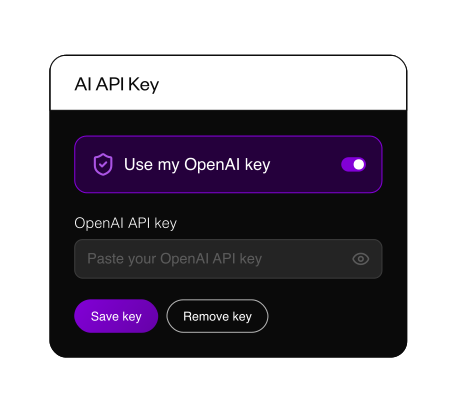
Give agents enough access to move work forward, not unlimited permission to touch every client account. Use included AI capacity or connect your own API key for heavier generation, then keep cost control and workflow boundaries visible.
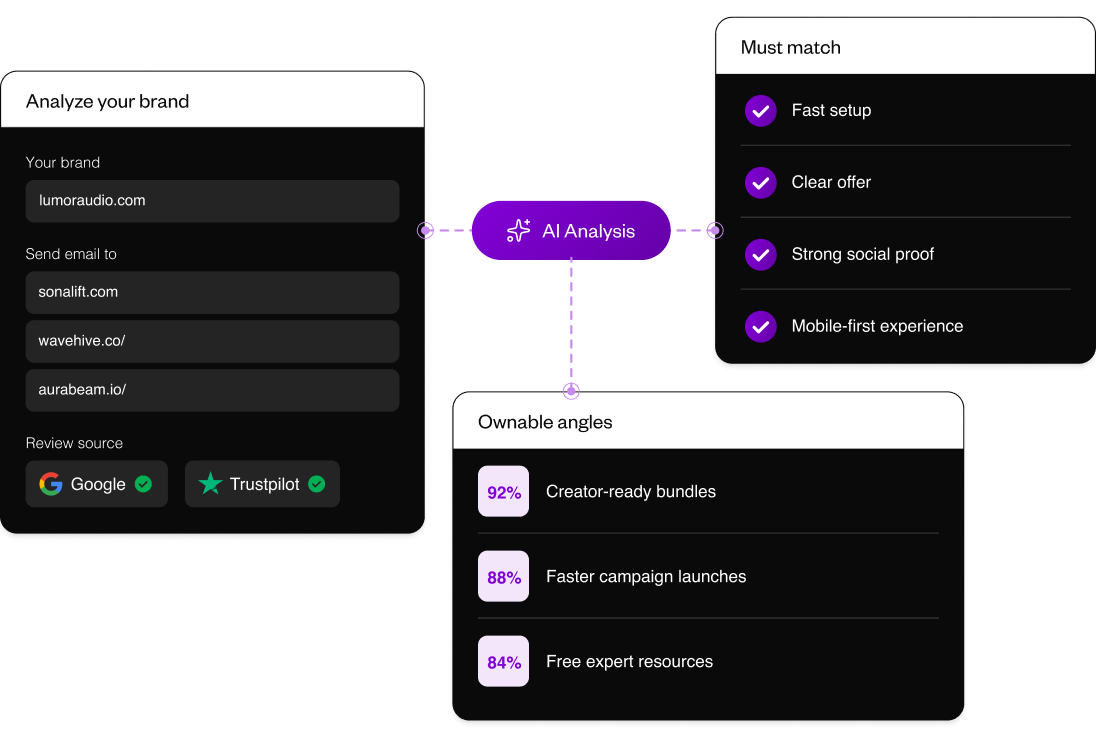
Give agents market context before they draft. Use competitor claims, positioning gaps, segment pain, and proof requirements to shape sharper page angles.
Give agents market context before they draft. Use competitor claims, positioning gaps, segment pain, and proof requirements to shape sharper page angles.
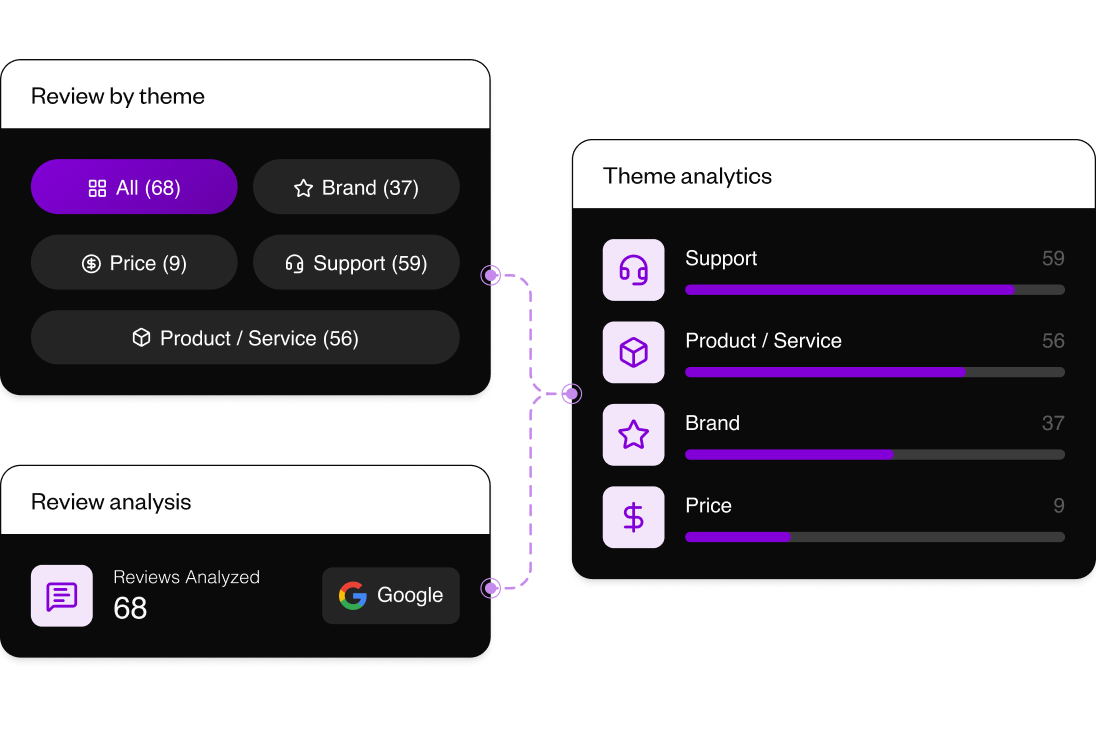
Turn customer language into usable claims, objections, and proof themes so agent-written briefs do not start from internal guesses.
Turn customer language into usable claims, objections, and proof themes so agent-written briefs do not start from internal guesses.
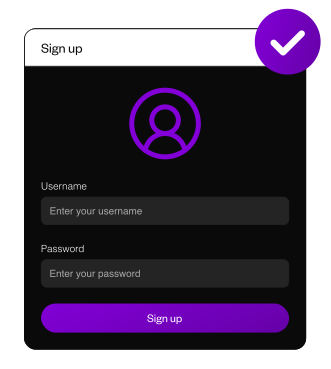
Create your account and choose the workspace or client account agents should operate inside.
Point your agent to the live SKILLS page, or connect Claude MCP when you want scoped, chat-native platform actions.
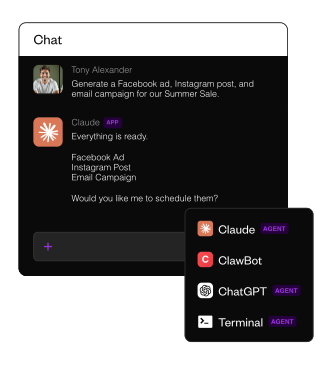
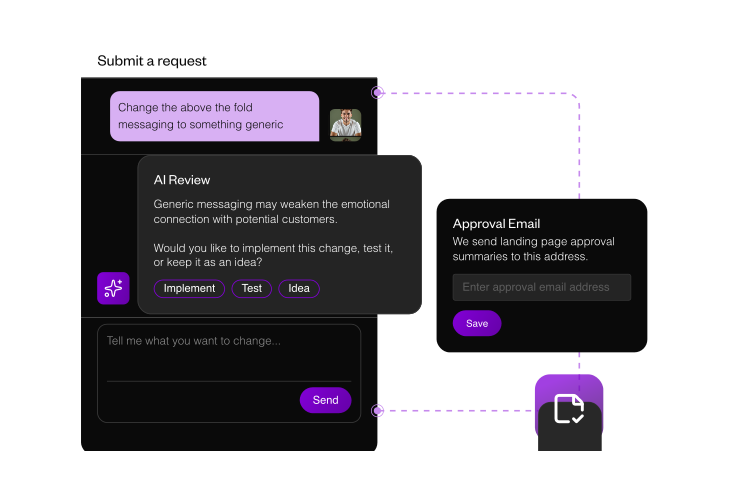
Ask for a page, code import, experiment update, analytics readout, domain task, or feedback review, then confirm high-impact actions before launch.

.svg)
.png)